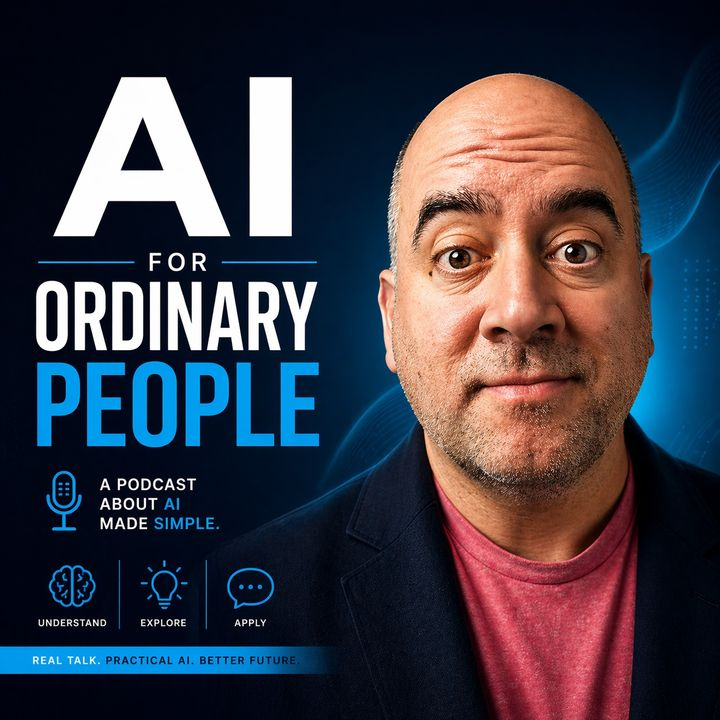
Start here if AI feels confusing
AI does not have to be a giant tech project. Start with one real task you already do:writing an email, summarizing notes, planning the week, comparing options, or making a checklist.
The simple beginner path
- Pick one task. Choose something small and repeated, not your whole life or business.
- Ask for one clear output. A checklist, email draft, summary, meal plan, or step-by-step plan works better than a vague question.
- Add context. Tell the AI who the answer is for, what tone you want, and what details matter.
- Check the answer. Treat AI like a helper, not a source you blindly trust.
- Save what works. Reuse the prompt next week instead of starting over.
Good first tasks
- Rewrite a long email so it is shorter and calmer.
- Turn messy notes into a clean to-do list.
- Summarize an article in plain English.
- Plan meals, errands, or a family week.
- Compare two tools or options before spending money.
- Create a checklist for a repeated work task.
Copy this first prompt
Prompt: I am new to AI. Help me with [task]. Ask me one question if you need context. Then give me a simple answer in plain English with no jargon, no hype, and clear next steps.
Common beginner mistakes
- Asking for everything at once.
- Using AI for private information before understanding the tool.
- Accepting facts without checking them.
- Chasing every new app instead of building one useful habit.
- Letting the answer sound unlike you.
Good first articles
- AI for Ordinary People: Simple Ways to Use AI in Everyday Life
- Your First Week Using AI: 7 Prompts to Get Started Today
- What Is ChatGPT and What Do Normal People Actually Use It For
- AI Prompts for Beginners
- How to Use ChatGPT for Beginners
- Try the AI Workflow Finder
FAQ
Do I need a paid AI account? No. Start free if you are still learning. Pay only when you know the tool saves time.
Which tool should I start with? If you are unsure, use the AI Tool Picker.
What should I avoid pasting into AI? Passwords, private customer data, medical records, legal documents, tax records, and anything you would not want stored or reviewed.
Next step: use the AI Prompt Builder, try the AI Workflow Finder, or follow the 30-Day Beginner Roadmap.
Continue your beginner path
Once you understand the basics, try one practical task and build from there.
- AI prompts for beginners — Copy simple prompts for email, planning, summaries, and everyday work.
- How to use ChatGPT for beginners — See what to type, what to avoid, and how to check the answer.
- AI workflow library — Turn one repeated task into a process you can reuse.